Guide
ATX, micro-ATX, mini-ITX: what fits what
Form factor is the one specification that makes a build impossible rather than merely slower. A short reference for matching a motherboard, a case and a cooler.
Techbook.sg ·
Motherboard sizes are standardised, and cases state the largest they accept. ATX is the full size, micro-ATX is shorter with fewer expansion slots, and mini-ITX is a square with a single slot. A case that takes ATX will almost always take the smaller two; the reverse is never true.
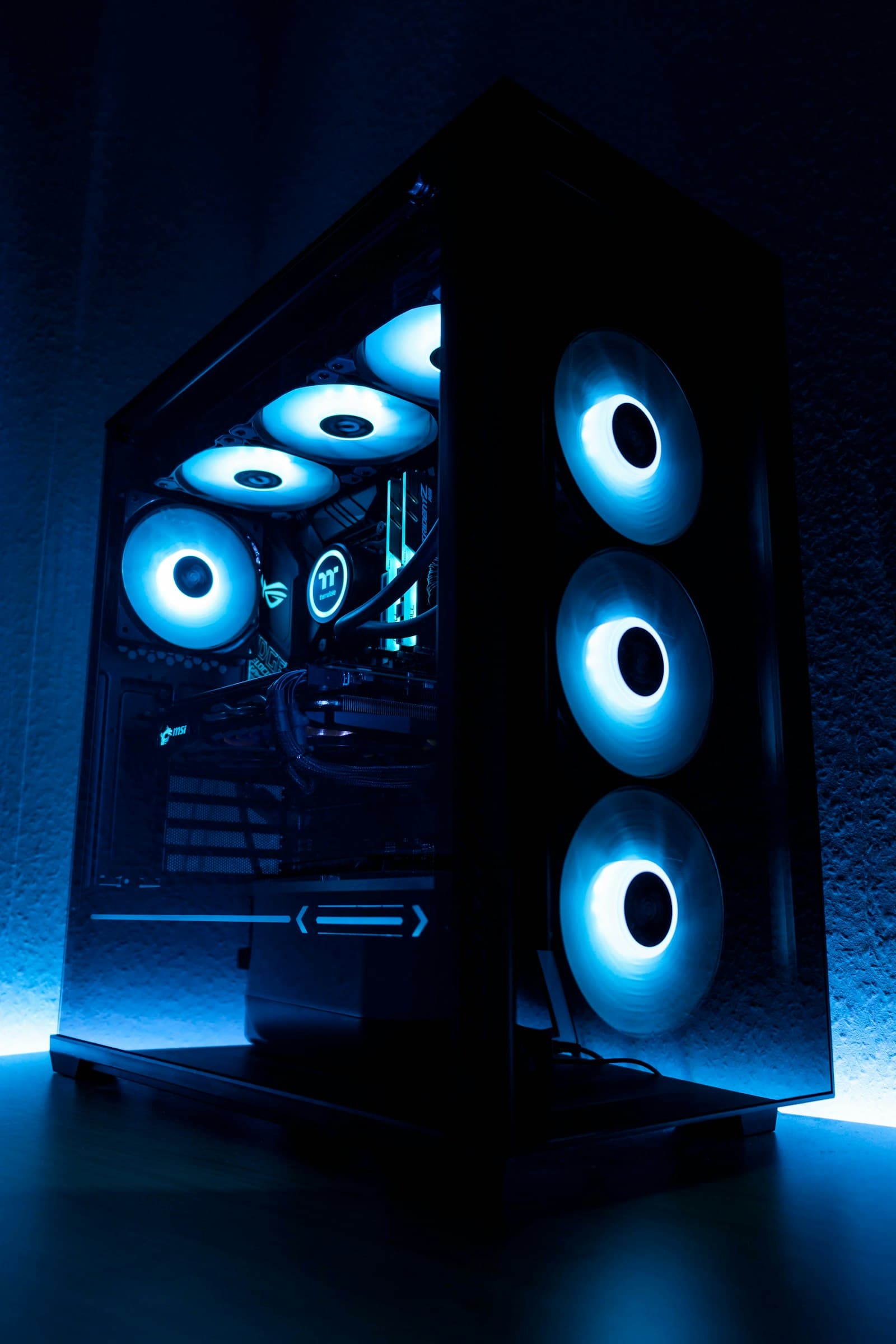
The number that catches people out is not board size but cooler height and graphics card length. Both are quoted by cases in millimetres, and both are routinely exceeded by parts that fit the board perfectly well. A tower cooler and a compact case is the most common incompatibility in a first build.
Micro-ATX is the pragmatic middle for most desktops. It keeps four RAM slots and at least one full-length slot for a graphics card while fitting cases that are meaningfully smaller and cheaper than full towers. Mini-ITX buys real desk space at the cost of expansion, higher part prices, and a build that is harder to cool and to work in.
Front panel connectors are worth checking before purchase rather than during assembly. A case with front USB-C needs a motherboard header to drive it, and boards below a certain tier simply do not have one — the port then sits unusable on a finished machine.
Radiator support is quoted in millimetres of length and by the number of fan positions. A case listing 360 mm support at the top usually assumes no tall memory beneath it, which is a clearance question that specification sheets rarely answer directly.
Looking for something specific? Search 1,239 products by part number.